
Ever wanted to create a doodle like the background you see in WhatsApp? Here is the beginner's guide to make your own doodle in Photoshop.
I've used Photoshop CS5 to carry out the following steps. However, because we use some basic tools from Photoshop, these steps would work in earlier or later versions of Photoshop as well.
1. Download Photoshop brushes and install.
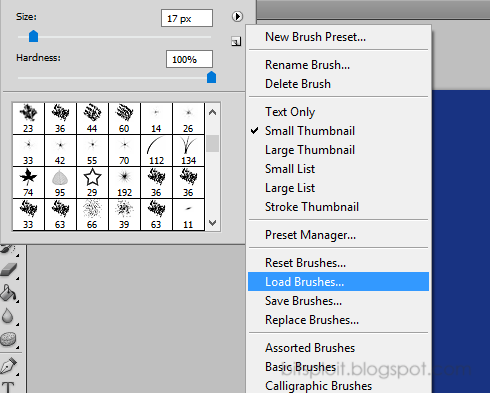
I have created the doodles using brushes. There is a collection of brushes already shipped with Photoshop. In addition, you can add new brush pallets such as this awesome pallet. Simply download and install the .abr file using the Brushes palette.
2. Create your document.
Create a new document with a size of your choice and fill in with a color you like.
3. Create the doodle using brushes.
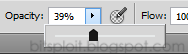
Select a color to be used for the brushes, preferably a lighter tone than the one used for the background. Adjust Opacity for the color, a value around 30% should work.
Select a brush you like and adjust the size of the brush if needed.
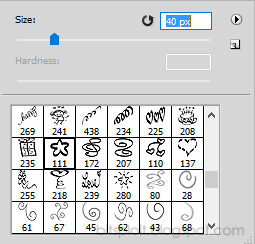
Stamp and create your doodle.
And there's your own doodle background!